
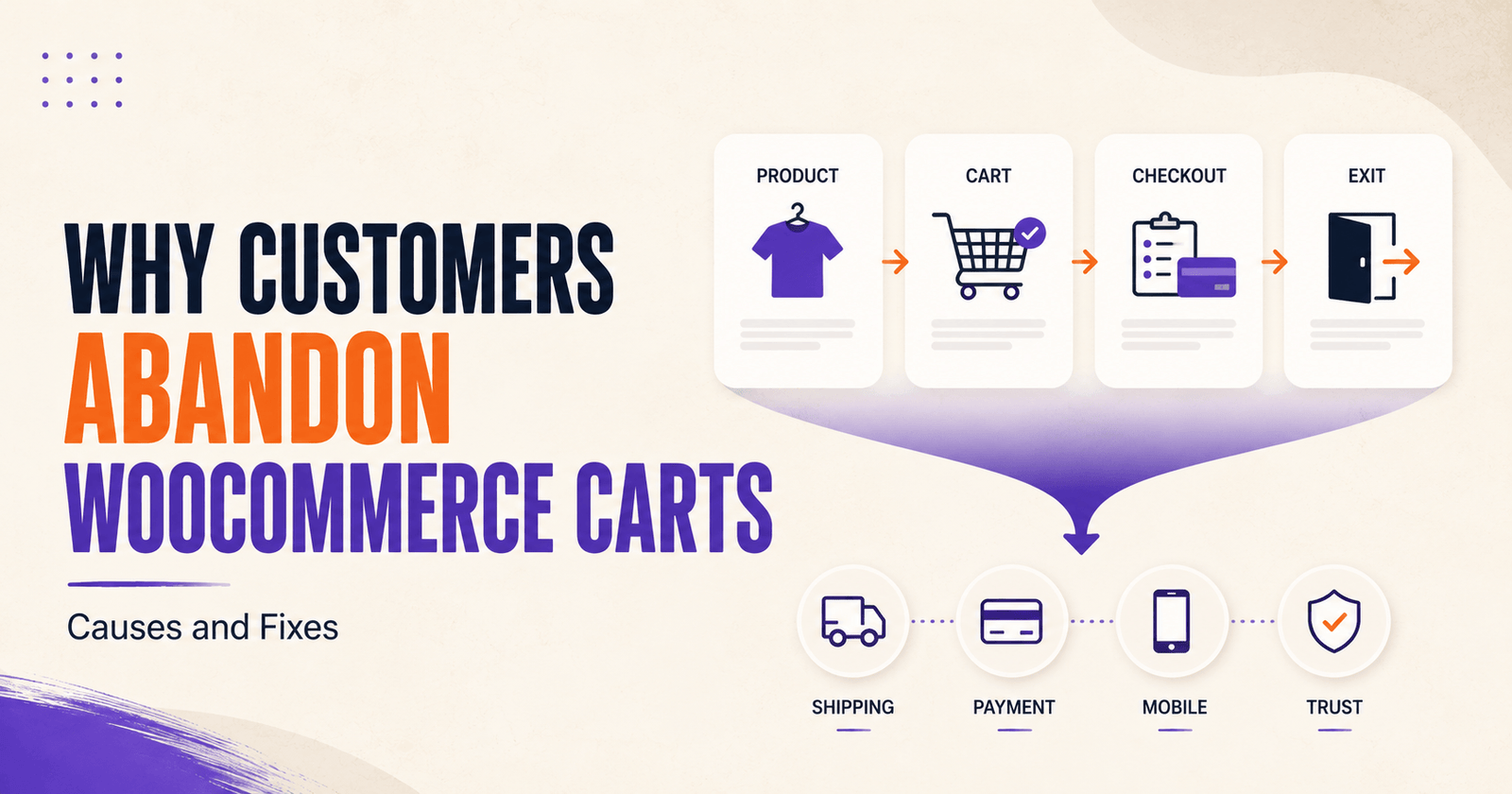
Why customers abandon WooCommerce carts is not a question with one simple answer. Some shoppers leave because they were only comparing products. Others encounter unexpected costs, confusing checkout fields, payment failures, slow mobile performance, or a store that does not feel trustworthy enough to complete the purchase.
That distinction matters. A reminder email may bring back a distracted shopper, but it will not fix a broken payment method, unclear shipping cost, or frustrating checkout experience.
The most effective way to reduce cart abandonment is to identify where customers leave, understand what they were trying to do, and remove the obstacle that stopped them.
This guide explains the most common reasons customers abandon WooCommerce carts before checkout, how to diagnose each problem, and which fixes deserve priority.
Table of Contents
- Cart abandonment vs checkout abandonment
- Not every abandoned cart is a lost sale
- 1. Unexpected shipping, tax, or fees
- 2. Forced account creation
- 3. Checkout feels too long or complicated
- 4. Preferred payment method is unavailable
- 5. Payment fails or creates uncertainty
- 6. The store is slow or unstable
- 7. Mobile shopping is frustrating
- 8. The store does not feel trustworthy
- 9. Product information is incomplete
- 10. Delivery expectations are unclear
- 11. Coupon problems interrupt the purchase
- 12. Customers are comparing options
- 13. The shopper becomes distracted
- 14. Technical errors block the order
- How to find the real cause in your store
- Which fixes should you prioritize?
- Prevention vs abandoned-cart recovery
- Where CartLane fits
- WooCommerce cart abandonment checklist
- Final thoughts
- Frequently asked questions
Cart Abandonment vs Checkout Abandonment
Cart abandonment and checkout abandonment are related, but they are not exactly the same.
- Cart abandonment happens when a shopper adds products to the cart but does not complete the order.
- Checkout abandonment happens after the shopper has started the checkout process but leaves before payment is completed.
The difference helps you diagnose the problem.
If customers view products but rarely add anything to the cart, the issue may be product positioning, pricing, trust, or traffic quality. If they add products but do not start checkout, the cart experience or unexpected costs may be responsible. If they start checkout but do not complete payment, review fields, account requirements, shipping, payment methods, validation, and technical errors.
When the store has traffic but few completed orders, use our broader guide to diagnosing WooCommerce traffic but no sales before assuming every lost order is a checkout problem.
Not Every Abandoned Cart Is a Lost Sale
Customers use online carts for more than immediate purchasing. A cart can act as a temporary list while the shopper compares products, checks a budget, waits for approval, switches devices, or plans to return later.
Some customers never intended to buy during that session. Others were interested but encountered a preventable problem.
Your goal is not to force every cart into an order. It is to separate normal browsing behaviour from avoidable friction.
A useful investigation asks:
- Did the customer see the full cost before checkout?
- Did they reach the payment section?
- Did a gateway error occur?
- Did the problem affect mobile users more often?
- Was one shipping zone or payment method involved?
- Did customers later return and purchase without a reminder?
- Did support receive questions about the same issue?
These signals help explain why customers abandon WooCommerce carts in your specific store instead of relying on generic assumptions.
1. Unexpected Shipping, Tax, or Additional Fees
Unexpected costs are one of the most common reasons shoppers leave during cart or checkout. The customer may accept the product price but change their mind when shipping, tax, handling, duties, or another fee appears late in the process.
This does not always mean your shipping price is too high. The surprise itself may be the problem.
How to reduce the problem
- Explain shipping rules on product or cart pages.
- Show free-shipping thresholds clearly.
- Use a shipping calculator where it improves clarity.
- Display taxes according to the store’s legal and regional requirements.
- Explain duties or international charges where relevant.
- Update the total immediately after the customer enters an address.
- Avoid hiding mandatory fees in small text.
Transparent costs may cause some customers to leave earlier, but that is better than creating surprise after they have already invested time in checkout.
2. Forced Account Creation
A customer may be ready to buy but not ready to create an account, choose a password, confirm an email, and manage another profile.
WooCommerce provides account and privacy settings that let store owners enable or disable guest checkout and control account creation. The correct choice depends on the product and post-purchase workflow.
Guest checkout often works well for
- First-time retail purchases
- One-time orders
- Low-consideration products
- Digital products that do not require a customer portal
- Campaign traffic where speed matters
An account may still be required for
- Subscriptions
- Memberships
- Licensing portals
- Protected downloads or courses
- Wholesale pricing
- Customer-specific services
Where possible, let customers complete the order first and present account creation as a useful post-purchase option.
3. Checkout Feels Too Long or Complicated
Every checkout field, section, decision, and page transition adds effort. A complicated flow becomes especially difficult on mobile.
Common sources of friction include:
- Too many required fields
- Fields the customer does not understand
- Repeated information
- Unclear optional fields
- Several unnecessary steps
- Poorly placed buttons
- Hidden order details
- Validation errors that appear only at the end
Do not remove every field blindly. Keep the information required for payment, tax, delivery, fulfilment, customer service, and legal obligations.
For a complete process, see our guide on how to optimize WooCommerce checkout.
4. The Customer’s Preferred Payment Method Is Unavailable
Customers may leave when the store does not offer a familiar or usable payment method.
The right options depend on customer location, currency, device, average order value, and the payment habits of your market.
More methods are not automatically better. The priority is a small set of reliable options that your customers recognize and can use.
What to test
- Card payments
- Digital wallets
- Authentication flows
- Local payment methods where relevant
- Supported currencies
- Mobile and desktop behaviour
- Refund and cancellation workflows
5. Payment Fails or Creates Uncertainty
A payment method can appear on the page and still fail during the actual transaction.
Possible causes include:
- Incorrect live credentials
- Test and production settings being mixed
- Authentication failure
- Webhook problems
- Unsupported currency
- Plugin conflicts
- Browser or mobile-wallet issues
- Orders remaining in the wrong status
- Unclear decline messages
Customers may also click the payment button repeatedly when the page provides no visible progress.
Complete controlled test transactions after updates to WordPress, WooCommerce, payment plugins, themes, PHP, caching, or hosting.
6. The Store Is Slow or Unstable
Slow pages, layout shifts, failed requests, and unresponsive buttons create uncertainty. Customers may assume the order failed or the store is unsafe.
WooCommerce cart and checkout pages can become heavy because they combine dynamic totals, shipping calculations, payment scripts, analytics, fonts, marketing widgets, and multiple plugins.
Common causes include:
- Poor hosting
- Oversized images
- Too many frontend scripts
- Heavy themes
- Overlapping WooCommerce extensions
- Slow shipping or payment requests
- Database problems
- Misconfigured caching
- Third-party popups or chat tools
Our guide to heavy WooCommerce plugins explains how extension choices can affect performance and maintenance.
7. Mobile Shopping Is Frustrating
A store can work on desktop and still be difficult to use on a phone.
Mobile-specific problems include:
- Small buttons
- Text that is hard to read
- Wrong keyboard types
- Sticky elements covering fields
- Popups blocking the screen
- Payment frames extending outside the viewport
- Hidden order summaries
- Slow image or script loading
- Layout shifts
- Errors appearing outside the visible area
Test the complete purchase journey on real iPhone and Android devices where possible. Resizing a desktop browser does not reproduce every keyboard, wallet, iframe, and browser behaviour.
8. The Store Does Not Feel Trustworthy
Checkout asks customers to provide personal, address, and payment information. Small signs of neglect can make that feel risky.
Trust problems include:
- Missing HTTPS
- Broken pages
- Placeholder content
- Unclear business identity
- No contact or support information
- Missing refund, return, privacy, or terms pages
- Fake-looking reviews
- Unverified security badges
- Checkout design that looks unrelated to the main site
- Unsupported urgency claims
Use trust signals customers can verify: real policies, accurate contact details, recognizable payment methods, clear delivery information, authentic reviews, and consistent branding.
9. Product Information Is Incomplete
Some abandonment begins before the cart. The shopper adds a product but remains uncertain about compatibility, size, material, licensing, support, delivery, or what is included.
A weak product page moves unanswered questions into checkout, where uncertainty becomes a reason to leave.
Product pages should clarify
- What the customer receives
- Who the product is for
- Important specifications
- Variations and sizing
- Compatibility or requirements
- Support and update terms
- Delivery expectations
- Refund or return conditions
- Honest limitations
Do not rely on generic words such as “powerful” or “premium.” Explain what the product does and how it fits the customer’s situation.
10. Delivery Expectations Are Unclear
Customers may abandon when they cannot tell when an order will arrive, whether the store ships to their location, or which service will be used.
Clarify:
- Available shipping regions
- Estimated processing time
- Estimated delivery windows
- Tracking availability
- Pickup options
- International duties or restrictions
- What happens when an item is delayed
Do not promise exact delivery dates unless your fulfilment workflow can support them.
11. Coupon Problems Interrupt the Purchase
A prominent coupon field can encourage customers to leave checkout and search for a discount. A coupon that fails without a clear explanation can create even more frustration.
Test:
- Valid and expired coupons
- Minimum spend rules
- Product restrictions
- Usage limits
- Interaction with shipping
- Stacking rules
- Mobile error messages
You can keep coupons available without making the empty field the dominant element. A simple “Have a coupon?” disclosure often creates less distraction.
12. Customers Are Comparing Options
Some customers add items to the cart while comparing prices, specifications, delivery, support, or reviews across several stores.
You cannot prevent every comparison, and you should not pressure customers with false scarcity.
You can make the decision easier by clearly communicating:
- The product’s practical value
- What is included
- Total cost
- Delivery or access
- Support
- Returns or refunds
- Important limitations
- Relevant differences from alternatives
Clear positioning helps qualified customers decide whether the product fits their needs.
13. The Shopper Becomes Distracted
Not every abandoned cart indicates a store problem. Customers receive calls, switch tasks, lose connection, close a tab, or postpone the purchase.
Useful responses include:
- Persistent carts where appropriate
- A clear way to return to checkout
- A saved-cart or recovery link
- A small number of helpful reminder emails
- Support information
For the complete post-abandonment process, see our guide on how to recover abandoned carts in WooCommerce.
14. Technical Errors Block the Order
Some customers are willing to buy but cannot complete the order because the store is technically broken.
Possible problems include:
- JavaScript errors
- Plugin conflicts
- Theme overrides
- Broken shipping zones
- Incorrect tax settings
- Variation errors
- Out-of-stock configuration
- Invalid coupons
- Payment gateway failures
- Failed webhooks
- Cached cart data
- Database or scheduled-task failures
These errors may affect only one product, location, device, coupon, or payment method. Regular test orders and log reviews are essential.
How to Find the Real Cause in Your Store
Generic lists are useful for ideas, but your own store data should determine the priority.
Review the purchase funnel
- Product views
- Add-to-cart activity
- Cart views
- Checkout starts
- Payment attempts
- Completed orders
Compare important segments
- Mobile vs desktop
- New vs returning customers
- Guest vs logged-in customers
- Traffic sources
- Countries or shipping zones
- Payment methods
- Product types
- Coupons and promotions
Review operational evidence
- Failed and pending orders
- Payment gateway logs
- WooCommerce status logs
- Support questions
- Session recordings where permitted
- Customer feedback
- Test-order results
When diagnosing why customers abandon WooCommerce carts, combine analytics with real testing. Data may show where customers leave, while testing helps explain why.
Which Fixes Should You Prioritize?
Fix issues closest to completed payment first, especially when they affect many customers.
Highest priority
- Payment failures
- Broken checkout fields
- Incorrect shipping or tax calculation
- Mobile checkout failures
- Orders not being created
- Security warnings
Next priority
- Unexpected costs
- Forced account creation
- Unnecessary fields
- Slow checkout
- Unclear validation
- Missing payment options
Ongoing improvement
- Product information
- Trust content
- Delivery communication
- Coupon presentation
- Cart persistence
- Recovery messaging
Change one meaningful area at a time where possible. Large batches of changes make it difficult to know what helped or introduced a new problem.
Cart-Abandonment Prevention vs Recovery
Prevention and recovery solve different stages of the problem.
- Prevention reduces the reasons customers leave before ordering.
- Recovery follows up after an eligible cart has already been abandoned.
Prevention includes transparent pricing, guest checkout, reliable payments, faster pages, better mobile usability, clearer product information, and simpler forms.
Recovery includes cart tracking, reminder timing, useful emails, cart-restoration links, purchase detection, and responsible data handling.
A strong strategy uses both, but prevention should come first. Sending customers back to the same broken experience only creates another abandonment.
Where CartLane Fits
CartLane is a WooCommerce conversion toolkit designed to connect several stages of the buying journey, including side-cart usability, checkout customization, order bumps, and abandoned-cart recovery.
This connected approach may be relevant when cart abandonment is caused by more than one isolated issue.
- A side cart can make cart review and editing more immediate.
- Checkout controls can reduce unnecessary friction.
- Order bumps can support relevant optional offers.
- Recovery features can follow up after an eligible cart is abandoned.
CartLane is also available through its official WordPress.org listing, where you can review the current plugin description and download the free version.
However, CartLane cannot fix weak demand, irrelevant traffic, uncompetitive pricing, unsupported integrations, or a failing payment service.
Before implementation, verify current feature availability, WooCommerce compatibility, checkout type, payment and shipping support, email configuration, consent requirements, and data handling.
Still losing customers between cart and payment?
Explore how CartLane connects side-cart controls, checkout customization, order bumps, and abandoned-cart recovery inside WooCommerce.
WooCommerce Cart Abandonment Checklist
- Confirm where customers leave the purchase funnel.
- Show shipping, tax, and fees clearly.
- Enable guest checkout where appropriate.
- Remove only fields the store does not need.
- Test every active payment method.
- Check payment and WooCommerce logs.
- Test checkout on real mobile devices.
- Improve page speed and remove overlapping scripts.
- Publish clear support, refund, privacy, and delivery information.
- Answer important product questions before checkout.
- Test coupons and promotional rules.
- Verify shipping zones and tax calculations.
- Use recovery emails only after the purchase flow works.
- Stop recovery messages after purchase.
- Measure completed orders, not only clicks or email opens.
Final Thoughts
Understanding why customers abandon WooCommerce carts requires more than blaming price or sending another reminder email.
Customers may leave because of unexpected costs, forced accounts, complicated forms, missing payment methods, technical failures, slow performance, weak mobile usability, unclear delivery, incomplete product information, or simple distraction.
Start with the actual funnel. Find where customers stop, test the experience, review logs and support questions, and fix the most serious verified obstacle first.
A tool such as CartLane may help connect cart usability, checkout customization, optional offers, and abandoned-cart recovery. It should be evaluated as part of a clear conversion workflow—not installed as a substitute for diagnosis.
The goal is not to prevent every shopper from leaving. It is to remove the unnecessary reasons qualified customers cannot complete their purchase.
Frequently Asked Questions
Why do customers abandon WooCommerce carts?
Common causes include unexpected costs, forced account creation, complicated checkout, missing payment methods, payment failures, poor mobile usability, slow performance, trust concerns, unclear delivery, coupon problems, and technical errors.
What is the difference between cart abandonment and checkout abandonment?
Cart abandonment occurs after a product is added but before the order is completed. Checkout abandonment specifically refers to customers who begin checkout but leave before completing payment.
How can I find out why customers leave my WooCommerce store?
Review the funnel from product view to completed order, compare mobile and desktop behaviour, test every active payment method, review failed orders and logs, check support questions, and complete test purchases as guest and logged-in customers.
Does guest checkout reduce cart abandonment?
Guest checkout can reduce friction for customers who do not need an account. Stores selling subscriptions, memberships, licenses, or protected content may still require accounts for operational reasons.
Can high shipping costs cause cart abandonment?
Yes. Both the amount and the surprise of shipping, tax, or fees can influence the decision. Communicate costs early and update totals clearly when customer location is required.
Can a WooCommerce plugin prevent every abandoned cart?
No. Some shoppers are browsing, comparing, or not ready to buy. A plugin can reduce friction or support recovery, but it cannot guarantee a completed order.
Should I send a discount after a cart is abandoned?
Not automatically. Start with a useful reminder and make sure the purchase flow works. Use discounts selectively when margins, customer segment, and campaign goals support them.
How do I reduce WooCommerce checkout abandonment?
Reduce unnecessary fields, allow guest checkout where appropriate, show costs clearly, improve mobile usability, offer reliable payment methods, clarify errors, speed up checkout, and test the full order process after significant updates.
Should I recover abandoned carts before fixing checkout?
No. Fix the main cart, checkout, payment, and mobile problems first. Otherwise, recovery emails may return customers to the same obstacle that caused them to leave.